
Fingerprint Readers on a Mercury Panel: Three Install Lessons
Field notes from adding Suprema BioEntry W2 fingerprint readers to Genetec Security Center on Mercury controllers, beyond what the manual leads with.
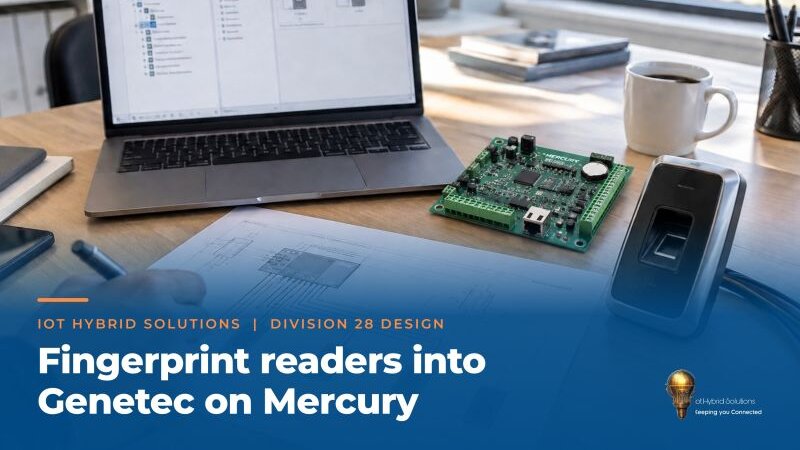
Our fingerprint reader was online. The tab we needed was not.
Adding Suprema BioEntry W2 fingerprint readers to Genetec Security Center on a Mercury controller taught our team three things the manual does not lead with.
1. A missing Device Management tab is usually a restart
If the Suprema Device Plugin shows online but only the Identity and Resources tabs, with no Device Management tab, restart the Security Center services and reopen Config Tool. That was our fix, not a license or a missing product.
2. Let the panel make the decision
When the W2 is a reader on a Mercury panel, turn off Use Suprema Handler in the device Authentication settings. Mercury makes the access decision. Suprema notes that leaving it on can delay card data over OSDP.
3. Plan for denied reads
With standard firmware over OSDP, a failed authentication sends Mercury an exception code, not the card number. If your audit trail needs the card data, talk to Suprema about custom firmware before go-live.
One more check
The Suprema plugin for Genetec and the older Suprema middleware are different products with different guides. Confirm which one you installed before following any screenshot.
All of this is now in our internal install playbook so the next site goes faster.
Related
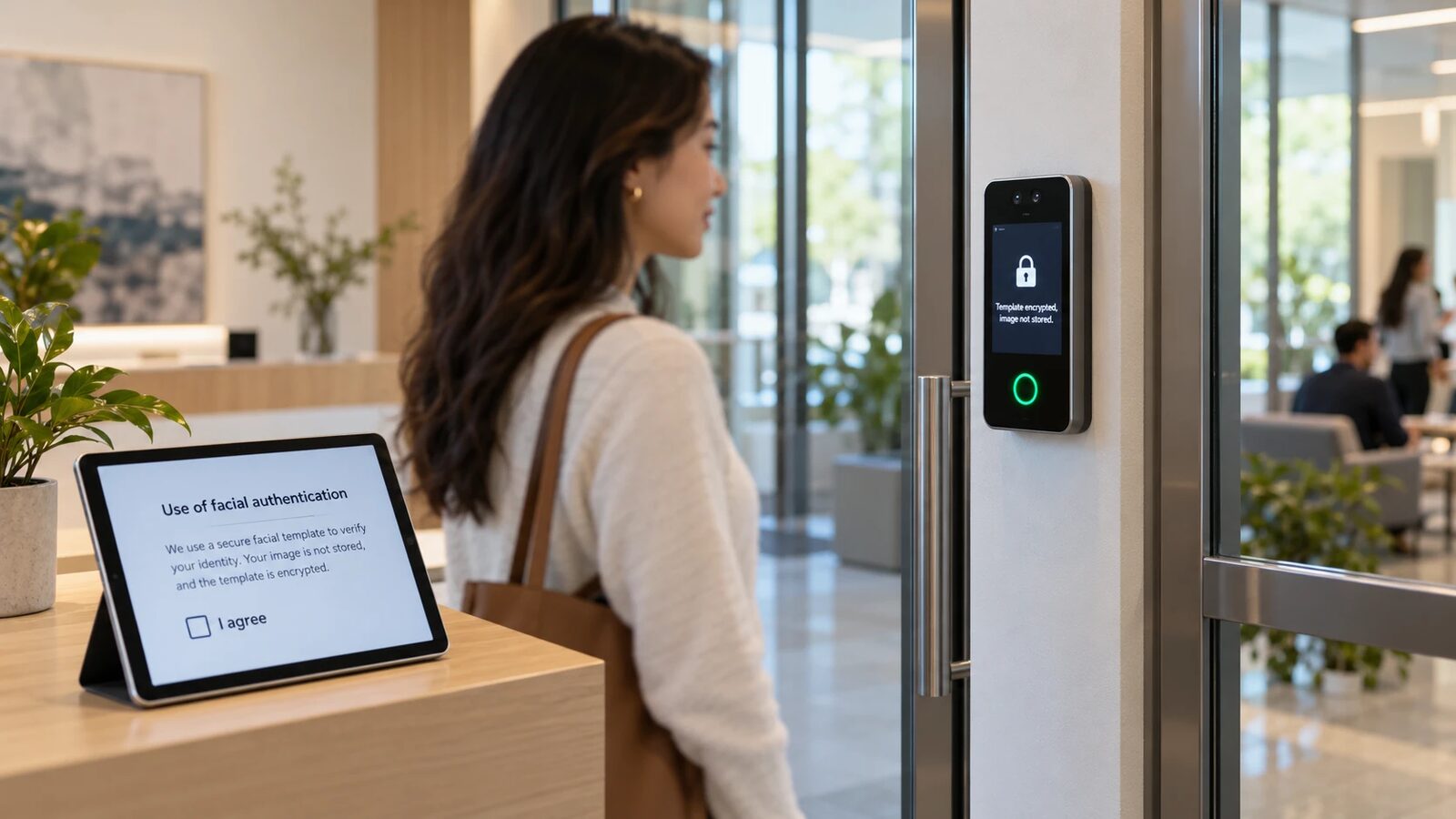
Facial Authentication and Biometrics: Privacy, Consent and Compliance by Design
A guide to biometric access control with privacy built in: modality and mode choices, consent, template handling, retention, vendor due diligence and audits.
Read more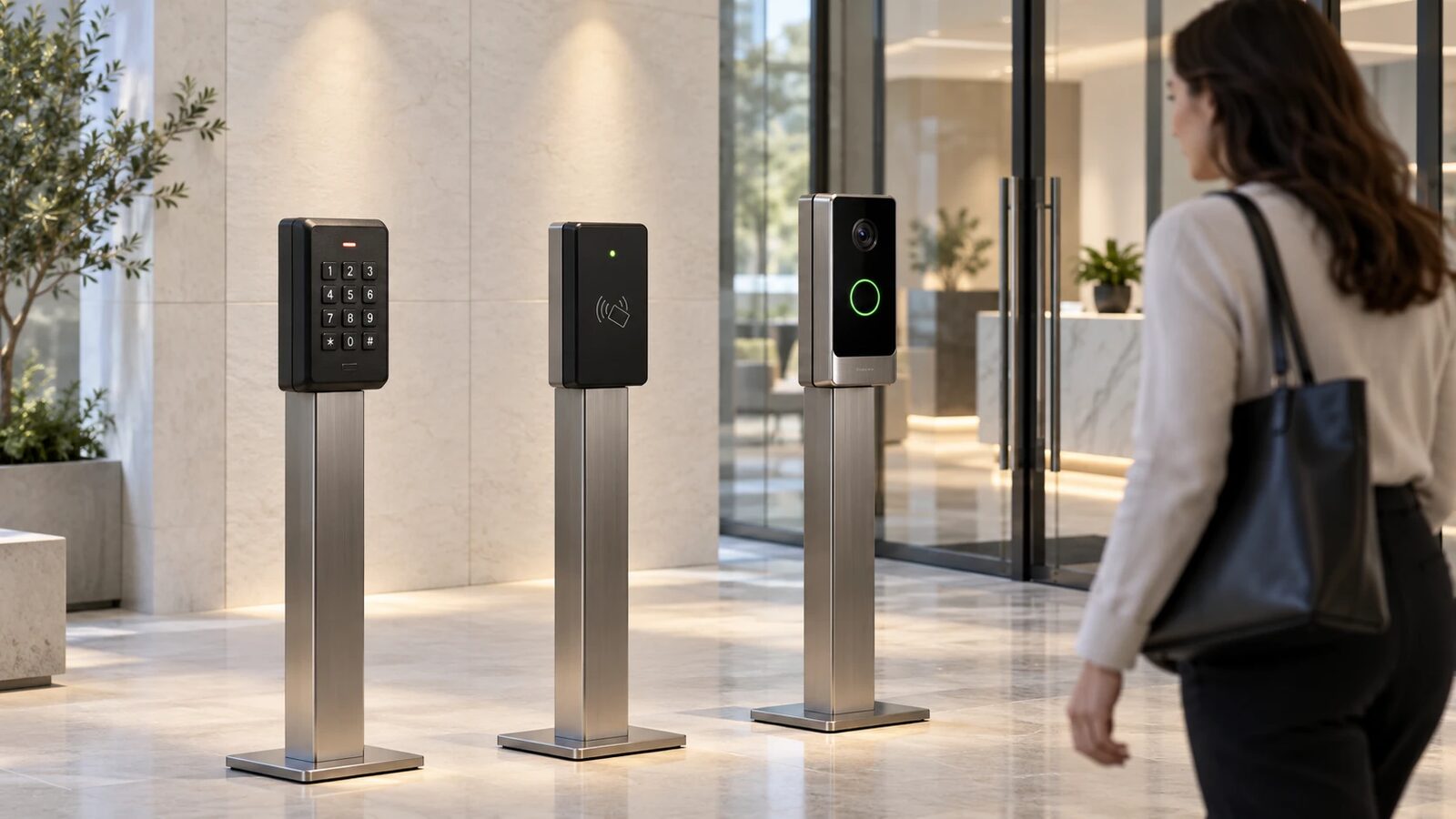
The Evolution of Facial Recognition
Facial recognition has progressed from early research to deep-learning powered systems used for verification, identification, and broader analytics across security and consumer products.
Read moreTalk to an engineer
Short call, quick requirements pass, and a recommended next step you can act on.
Contact us